Browser Events
New Window - Opens a new window in web browser

- Type in the URL name in the URL section, for instance (https://megamtech.com)
-
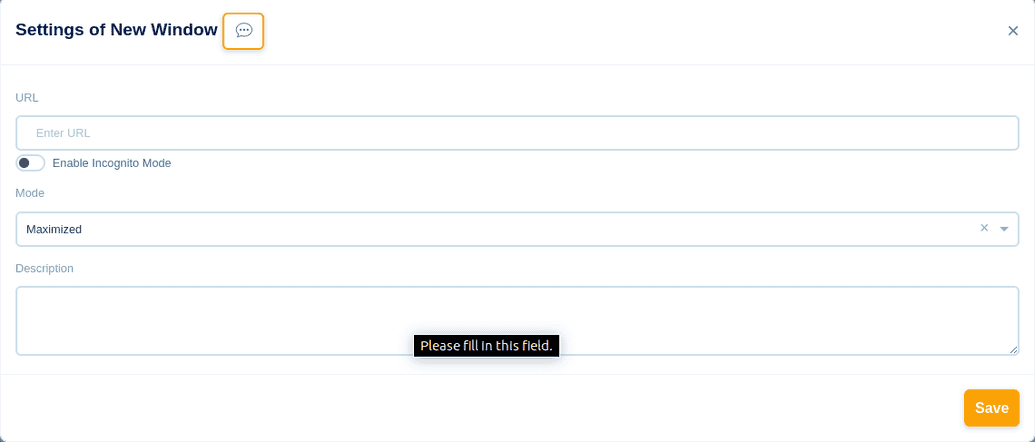
- Choose the size of the New Window in the Mode section - Minimized, Maximized, Full Screen, Custom
- If you choose the option "Custom", then the values for: Top/Left/Height/Width has to be given
- You can choose to open the New Window, either in Normal Mode or Incognito Mode
- In the description box, you can give a short description for your reference
- Click the Save button to save this event

Goto URL - Directs to the URL in the browser

- Choose the URL type: Variable or Value
-
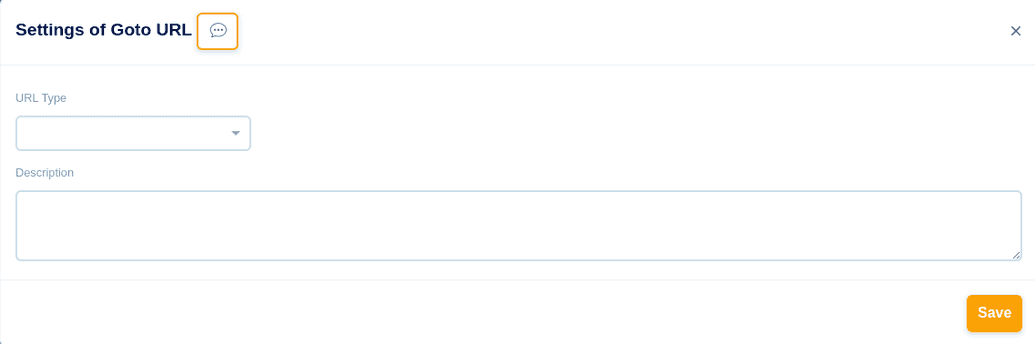
- Variable: Already a Variable name linked to the URL is defined for ease of use, and is recommended for multiple GOTO URL events with specific declared conditions
- Value: A specific URL name is declared, and is recommended for once or twice of GOTO URL events with no specific declared conditions. Value is predefined.
- In the description box, you can give a short description for your reference
- Click the Save button to save this event

Open Tab - Opens a New Browser Tab


- Add this event to Open a New Browser Tab
- In the description box, you can give a short description for your reference
- Click the Save button to save this event
Close Tab - Closes a Browser Tab


- Add this event to Close a Browser Tab
- In the description box, you can give a short description for your reference
- Click the Save button to save this event
Reload Tab - Reload or Refresh the Tab


- Reload or Refresh the tab
- Click the Save button to save this event
Forward Page - Directs to the next page of the current page

- In the description box, you can give a short description for your reference
-
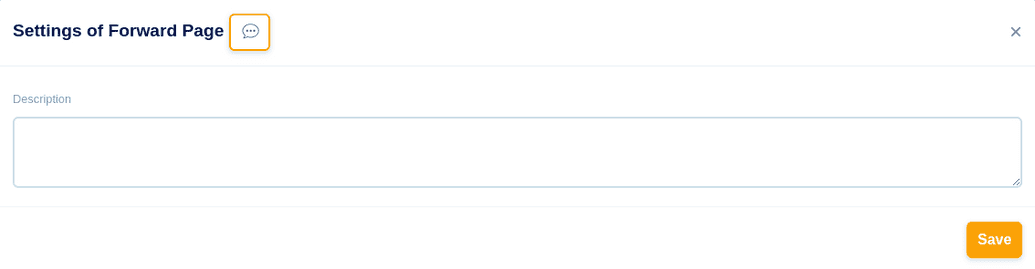
- Click the Save button to save this event

Go Back - Directs to the previous page of the current page

- In the description box, you can give a short description for your reference
-
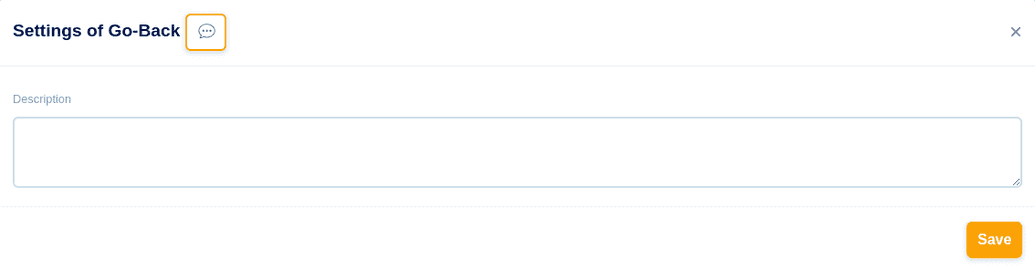
- Click the Save button to save this event
- Directs to the previous page of the current page

Downloads - Downloads from the browser

- Choose the URL type: Variable or Value
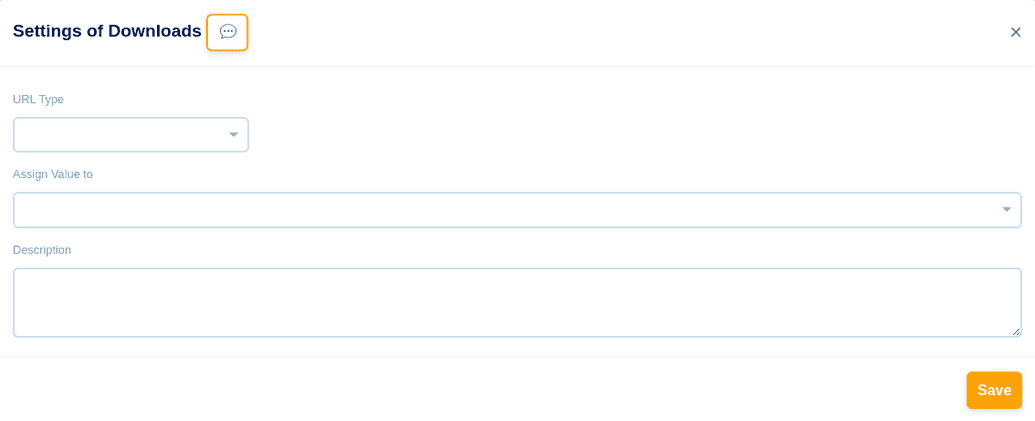
- Assign value, to save the file. The default location is set to c:users/"username"/roaming/mebot
- In the description box, you can give a short description for your reference
- Click the Save button to save this event
